Did you lose your shared folders with the update of Mac OS X from Snow Leopard to Lion? You can’t see your shared folders from your DVR or Medicaneter boxes hooked up to your TV? The internet tells you to install gigabytes of developer tools and use tons of command-line instructions to regain the ability to see your mac from your other devices in the house after moving to Lion? We might be able to help.
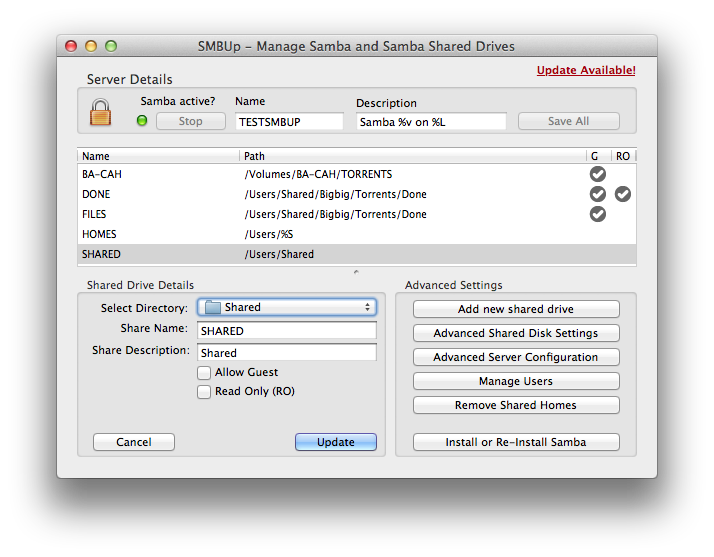
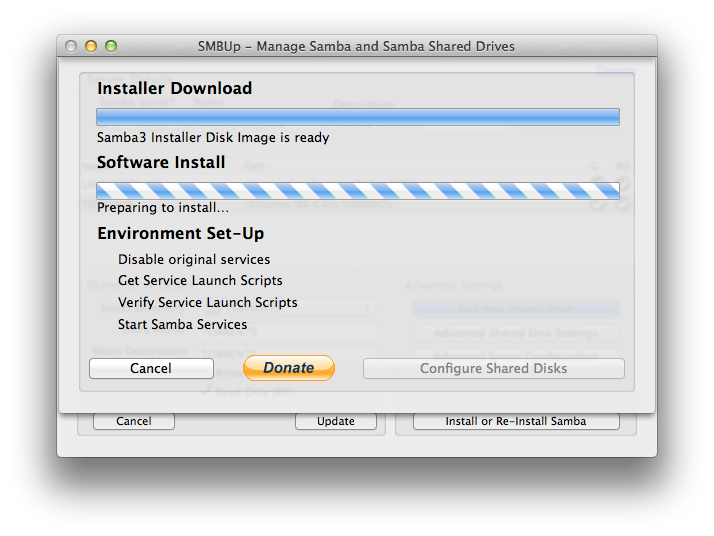
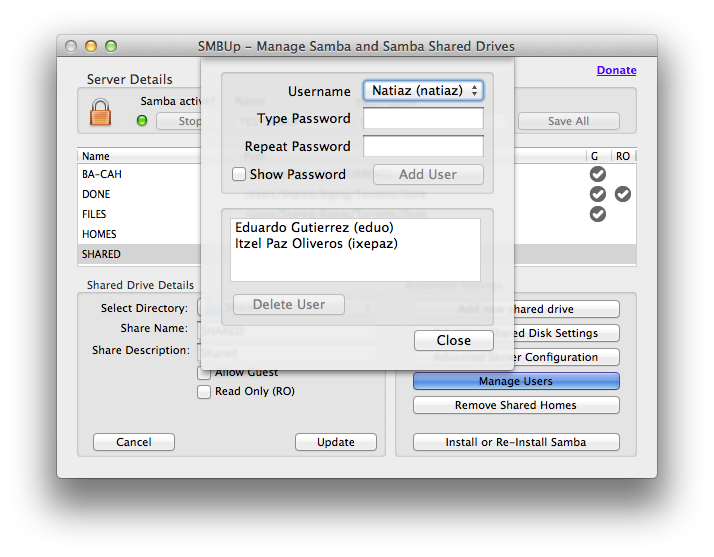
SMBUp (current version: 1.4.1) re-instates Samba as a service of your mac and provides a simple interface to manage the service. Compatible with OS X Lion and above.
SMBUp is donationware. A reminder may appear no more than once a day until disabled by checking the donation checkbox ((It is assumed a donation has happened :) )). The checkbox is based on the honor system: It won’t verify whether the donation has been made, the user is trusted implicitly.
The application is not crippled in any way if no donation is made, although donations are appreciated as they help us continue improving the software.
NOTE: SMBUp installs Samba, which in turn replaces Apple’s OS X’s native netbios and SMB services. This means that while connecting to servers from the Finder remains functional, the Finder won’t be able to «browse» network services and servers from the network won’t show up in the Finder’s sidebar. Be advised.
NOTE: SMBUp installs Samba, which is a third party software with its own limitations, bugs and incompatibilities. The most visible of this is a problem with handling native OS X (especially Administrator users). The Samba team doesn’t see a reason to fix this and existing workarounds don’t really address the problem. In case the user you want to create is in this situation you’ll see an error from SMBUp telling you that it can’t create it itself. In this case you’ll need to create a local sharing-only user in your machine and create the user in the terminal directly.
NOTE: A post has been published with Frequently Asked Questions (FAQ). You can find it at http://eduo.info/2013/07/13/smbup-faq
From the Web:
Samba en Lion y Mountain Lion – Fantástico tutorial en español de SMBUp (via @javierlobo)
Mac OS X SMB Fix, or How to install SMBUp – Fantastic installation and set-up tutorial in english – By Hans Luijten (Dutch version)
Setting up Networked scanners with SMBUp in Lion – Tutorial (via @DonMorris)
Editing Samba’s SMB.CONF directly in a SMBUp installation for advanced or manual config. (via jsd)
%202.18.10%20a.m..png)

 imunify-bot-check
49 comments