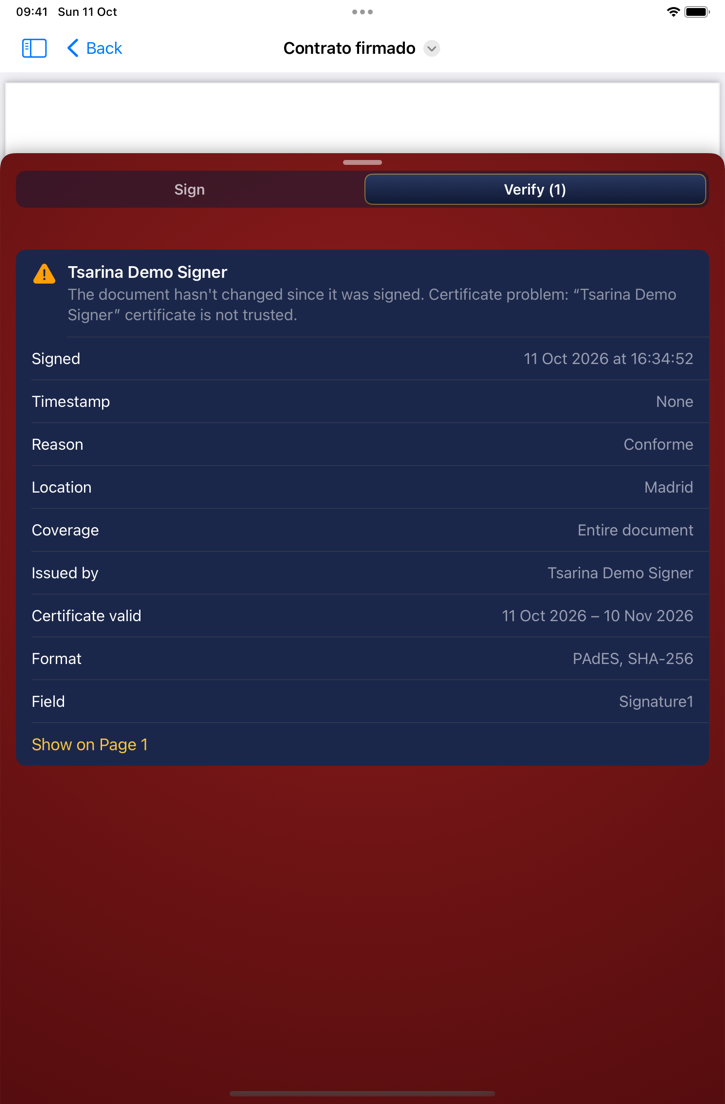
Tsarina signs PDF documents with your digital certificate, the kind Spain's FNMT and other authorities issue, so any PDF reader can show who signed and that nothing has changed since. It also checks the signatures your documents already have.
Sign
- PAdES signatures, the European standard for signed PDFs (eIDAS)
- One document or many at once
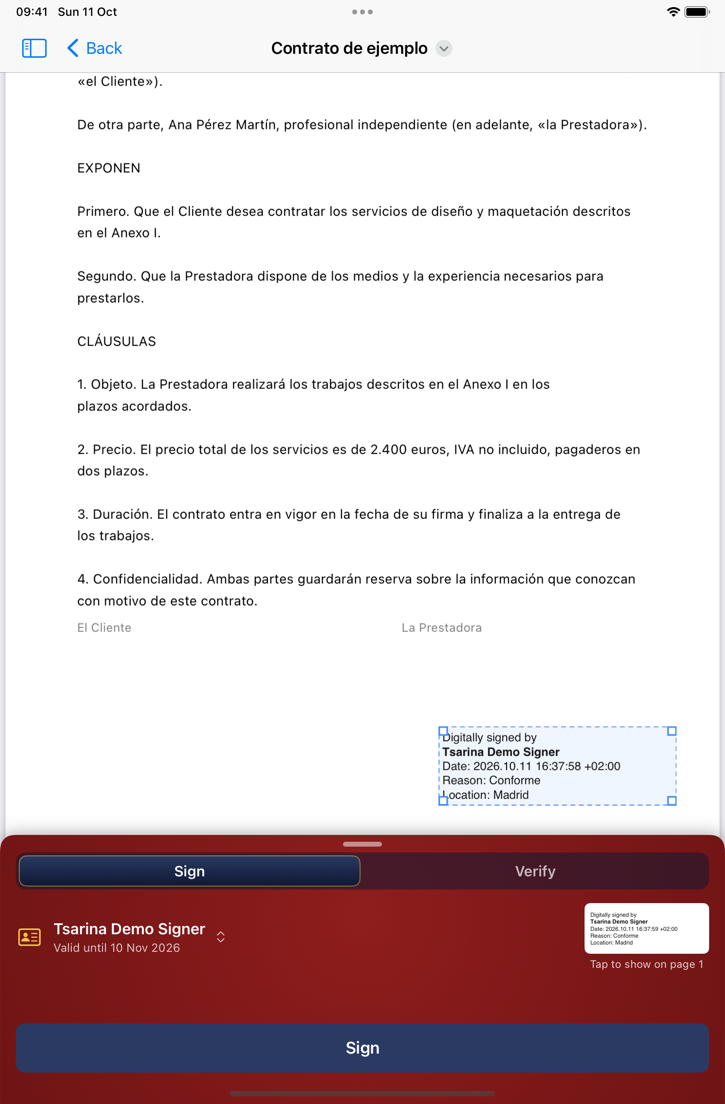
- A visible stamp on page 1, placed in a corner and moved or resized by hand
- Your handwritten signature, a scanned one, a seal or a logo
- Optional trusted timestamps
Check
- Every signature in a document: who signed, when, and whether it's intact
- Certificate trust and expiry, timestamps, what each signature covers
- A summary for a whole set of documents
Your certificate
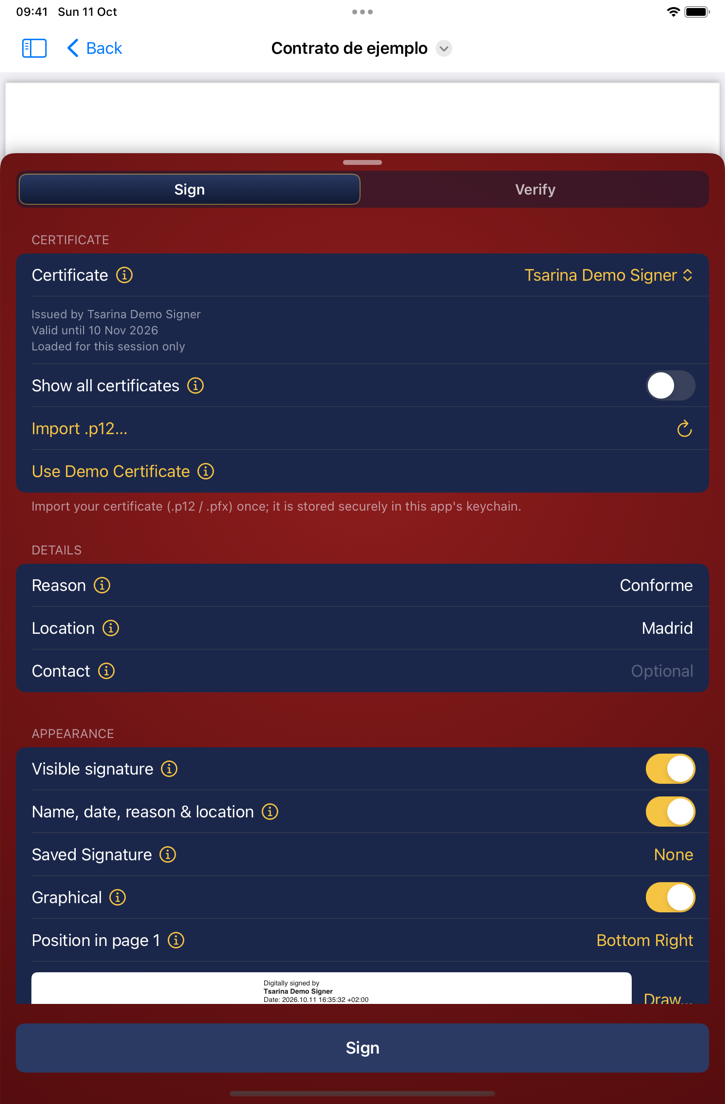
- Import a .p12 or .pfx file once; it stays in your device's keychain
- On the Mac, certificates in your keychain work too
- No certificate yet? Try it with a demo certificate
Everywhere you sign
- iPhone, iPad and Mac
- Open PDFs from Files or the Finder
- Saved signatures for the ones you use often
Private by design. Your documents and certificates never leave your device: no accounts, no servers, no ads, no tracking. Five signings are free; after that signatures carry a "free version" mark, and a one-time Tsarina Pro purchase removes it. In the TestFlight beta, Pro can be bought in Apple's test mode at no cost.